Your queue, on your disk
Pull requests sync to a local database. Search and filters answer from your disk, so they keep pace with your typing.
Bistro syncs your GitHub pull requests to an inbox on your machine. Needs Action lists the ones waiting on your review. In a pull request's diff, s shows what changed since your last review.
Free and open source under GPLv3. You sign in with GitHub, so there is no Bistro account to create.
Review requests arrive mixed in with notifications for every push, label and merge. Inside a pull request, the comments that need a reply sit between bot reviews and nits. Bistro sorts both on your machine before you start reading.
Your inbox opens in lanes, with counts on top. Needs Action holds what is waiting on you, worked out on your machine from who requested your review. Everything else waits in its own lane.
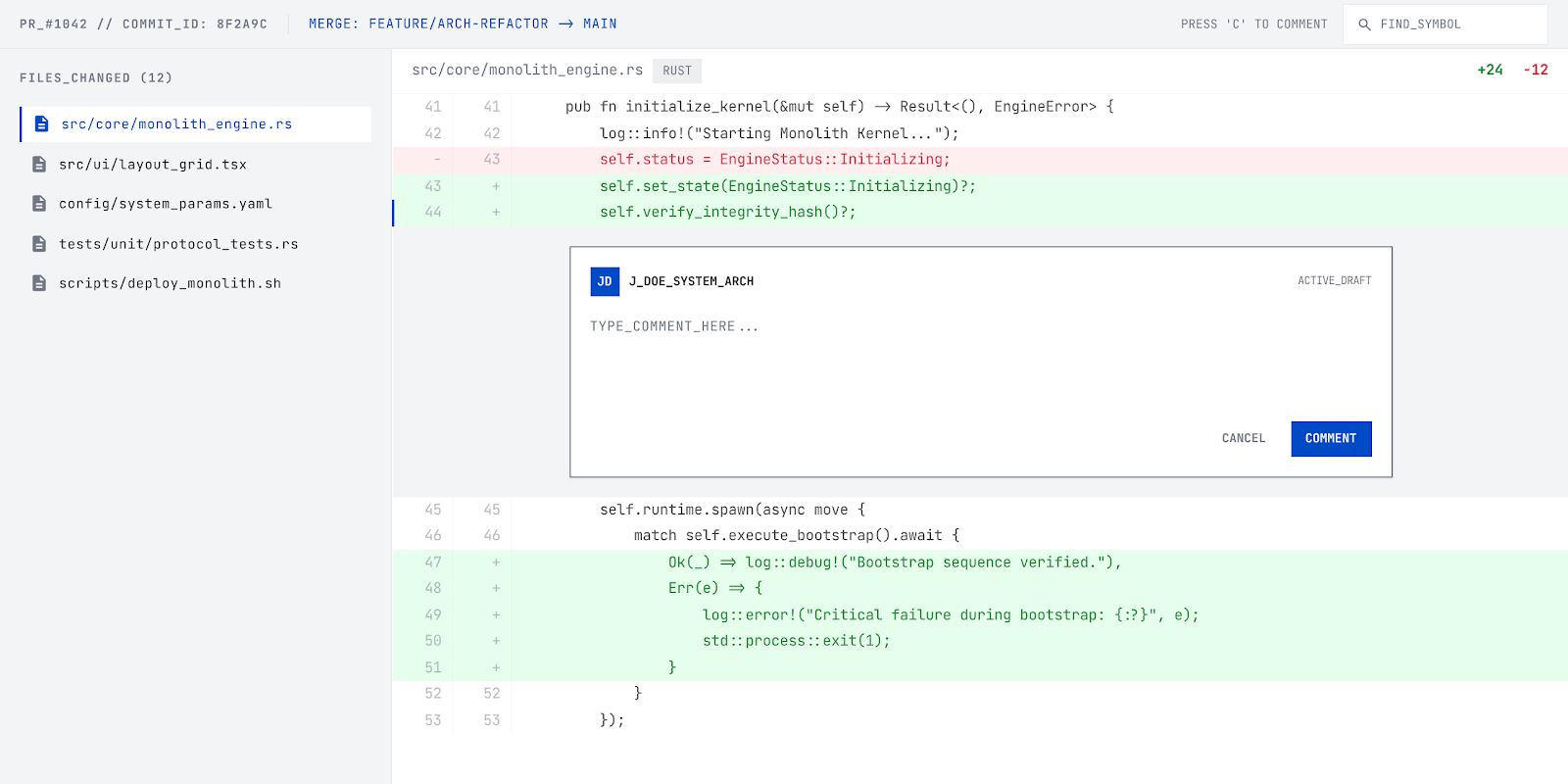
In the diff, press s to see only what changed since the version you last reviewed in Bistro. v marks a file viewed. g u lists every unresolved thread, including threads on lines that have since changed.
Bistro groups bot and nit comments by source. d b dismisses the bot comments into one folded group, d n does the same for nits, and u brings them back. Dismissals stay on your machine unless you choose to resolve them on GitHub too.
BeforeReview requests buried in email.
BeforeReview changes, Approve, Submit review.
AfterNeeds Action, with a count on top.
Aftera a.
In the background
Your pull requests sync to a database on your disk while you work.
From your disk
The inbox opens in lanes. Needs Action holds what is waiting on you.
d b and d n
Bot comments and nits fold into one group each. u brings them back.
a a
Approve or comment, online or offline. Bistro posts them to GitHub as normal reviews and comments, right away or when you reconnect.
j and k to move, Enter to open, c to comment, a a to approve. Press ? on any screen to see its keys, and remap any of them in Settings.
Bistro clones the branch, builds the diff on your machine and draws only the lines on screen. The browser fetches a pull request each time you open it. Bistro already has it on your disk, and sync runs in the background.
Approve and comment without a connection. Bistro queues them and posts to GitHub when you are back online. The footer shows whether Bistro is syncing, offline or rate-limited.
Pull requests sync to a local database. Search and filters answer from your disk, so they keep pace with your typing.
Press : and start typing. Every action in Bistro is in the palette, including the ones you have not learned a key for yet.
After sign-in, Bistro talks only to GitHub unless you change that, and your token lives in your OS keychain. If you turn on AI classification, each comment it classifies goes to the provider you pick, with its author, file path and diff hunk. Choose a local Ollama model and that stays on your machine too.
Bistro Team connects your team's Bistro apps. It learns from the repository's history who knows each part of the code, and suggests that person as the reviewer, skipping anyone who is away or already has a long queue. Everyone sees who has reviewed a pull request and how much has changed since a teammate approved it. The free app works fully without it.
Nothing to install, and it is where your team already works. Keep using it. Bistro posts your reviews there and adds a list and diffs read from your disk, bot and nit comments you can dismiss into one group, and a a to approve.
Free, open source, vim keys, and it lives in your terminal. If the terminal is where you want to review, stay there. Bistro adds a full diff with inline threads and a way to dismiss bot and nit comments.
Full editor context: go to definition, run the tests. It reviews one checked-out pull request at a time. Bistro keeps every pull request in one inbox and clones into its own folder, so your working tree stays as you left it.
No. Your approvals and comments post to GitHub like any other review, and teammates see them on github.com as usual. If your organization restricts OAuth apps, an owner has to approve Bistro once before your work repositories show up (see below).
If your organization restricts third-party OAuth apps, which is GitHub's default for new organizations, an owner has to approve Bistro once before its pull requests appear. You can ask for that from GitHub: Settings, Applications, Authorized OAuth Apps, then Request access next to the organization.
Any time. Bistro reads and writes through GitHub's API, so nothing about your repositories changes if you stop. You can revoke its access under Authorized OAuth Apps in your GitHub settings.
The repo and read:user scopes. repo is GitHub's broad scope: it gives read and write access to every private repository your account can reach. Bistro needs it to read private pull requests and post your reviews. At sign-in, a small Bistro endpoint swaps GitHub's one-time code for your token and passes it straight back without storing it. The token then lives in your OS keychain.
From GitHub to your machine. Your code never touches a Bistro server. AI classification is off by default. If you turn it on with your own key, Bistro sends each comment it classifies, with its author, file path and diff hunk, to the provider you choose. Pick a local Ollama model and that stays on your machine.
Only if you turn it on. It is off by default. With it on, Bistro sends four product events to PostHog. They carry an anonymous install ID and leave out repo names, usernames, file paths, pull request text, code, diffs, comments and tokens. Crash reports go to Sentry under the same setting, and the privacy page lists what they contain.
macOS, with a signed installer. On Windows or Linux, build it from source; installers are on the roadmap.
Bistro is early. It changes nothing on GitHub except what you do in it: reviews, comments and threads you resolve. You can reply to existing threads; starting a new comment on a line comes in a later release. Files over 512 KB, and files past the first 4 MB of a pull request's changes, show as too large instead of a diff. Bugs and requests go to the issue tracker.
Nothing. The desktop app is free and open source under GPLv3.
Not yet. Bistro supports GitHub today, and GitLab is the next provider on the roadmap.
j and k to move, Enter to open, a a to approve. Press ? on any screen for the rest.
Download Bistro and sign in with GitHub. Your pull requests sync in the background, and ? on any screen shows what your keyboard can do.
Sign-in asks GitHub for the repo and read:user scopes. A small Bistro endpoint swaps GitHub's one-time code for your token and keeps nothing, and the token stays in your OS keychain. Your code never touches a Bistro server, and telemetry is off unless you turn it on. For work repositories, an organization owner may need to approve Bistro first.